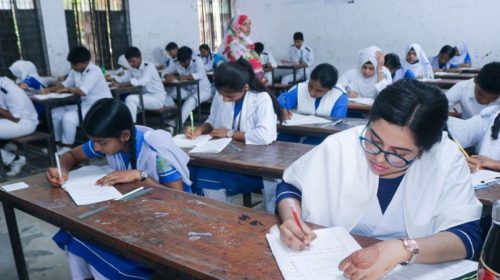
Students will be able to check their SSC and equivalent examination results via SMS using any mobile phone operator, as the results are set to be published nationwide on Monday.
To receive the results by SMS, candidates need to open the messaging option on their mobile phones and type SSC, followed by a space, the first three letters of their education board, another space, their roll number and then YEAR.
The message should be sent to 16140.
SSC result SMS format
For students under the Dhaka Education Board, the SMS format will be:
SSC DHA ROLL YEAR
For Dakhil candidates under the Bangladesh Madrasah Education Board, the format will be:
SSC MAD ROLL YEAR
For SSC (Vocational) candidates under the Bangladesh Technical Education Board, the format will be:
SSC TEC ROLL YEAR
After sending the SMS to 16140, candidates will receive their examination results in a reply message.
SSC results online
Students can also check their SSC and equivalent examination results online through the centralised websites eduboardresult.gov.bd and educationboardresults.gov.bd.
The SSC and equivalent examination results will be published simultaneously across Bangladesh on Monday.
A total of 1,857,344 candidates filled in forms to sit the SSC and equivalent examinations this year.
Of them, 1,418,398 candidates registered for the SSC examination, 304,286 for the Dakhil examination and 134,660 for the SSC and Dakhil vocational examinations.
Comment
Design & Developed by: BD IT HOST


 |
9 Augustust, 2026
|
9 Augustust, 2026